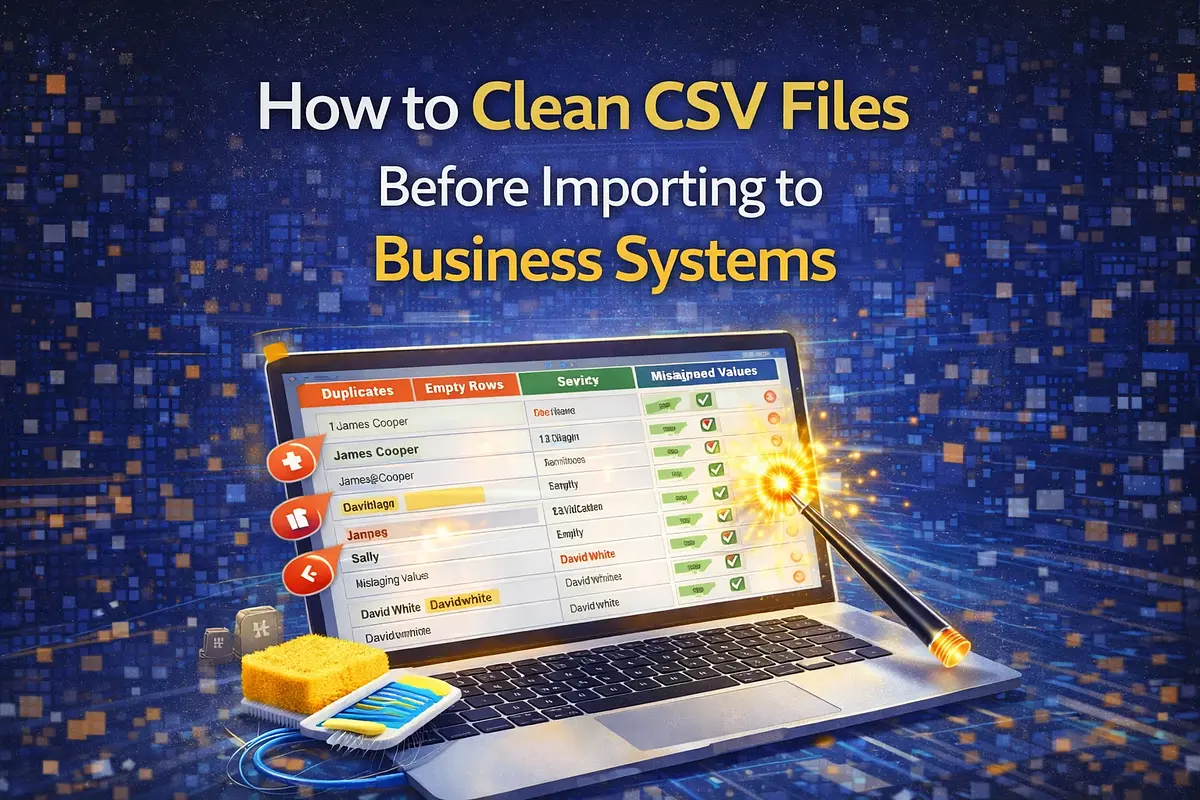
A practical checklist for cleaning CSV files before import, including header normalization, trimming spaces, and removing empty rows.
CSV imports often fail because source files are inconsistent. Extra spaces, messy headers, and blank rows can cause validation errors and partial imports.
IPROG TECH has a CSV Cleaner / Formatter tool for this workflow. Try the tool here: CSV Cleaner / Formatter
Why Csv Cleaning Is Important
Import pipelines usually assume consistent data. A small mismatch in headers or row formatting can cause:
- Failed imports
- Misaligned columns
- Incorrect field mapping
- Support back-and-forth with clients
Most Common Csv Issues
In practical admin workflows, these are frequent:
- Leading/trailing spaces in cells
- Headers with symbols or inconsistent naming
- Empty rows between valid data
- Quoted values with commas
- Inconsistent column count per row
Core Cleaning Steps
Before importing, run this sequence:
- 1Trim spaces in all cells
- 2Normalize headers to predictable names (for example: snake_case)
- 3Remove fully empty rows
- 4Preview first rows to verify alignment
- 5Download cleaned CSV and use that file for import
Practical Benefits
A cleaned CSV improves:
- Import success rate
- Consistent mapping across batches
- Faster onboarding for non-technical teams
- Lower manual correction effort after import
Who This Helps
CSV cleaning is useful for:
- DTR and attendance imports
- Rental booking/customer uploads
- CRM lead/contact migration
- Inventory and service list setup
Browser Based Processing
The tool processes CSV in the browser and outputs cleaned content for download. This is practical for quick preparation before sending data to your own systems.
Conclusion
CSV cleaning should be a standard step before any import job. It prevents common formatting failures and saves time for both technical and operations teams.
Tool link: Open CSV Cleaner / Formatter