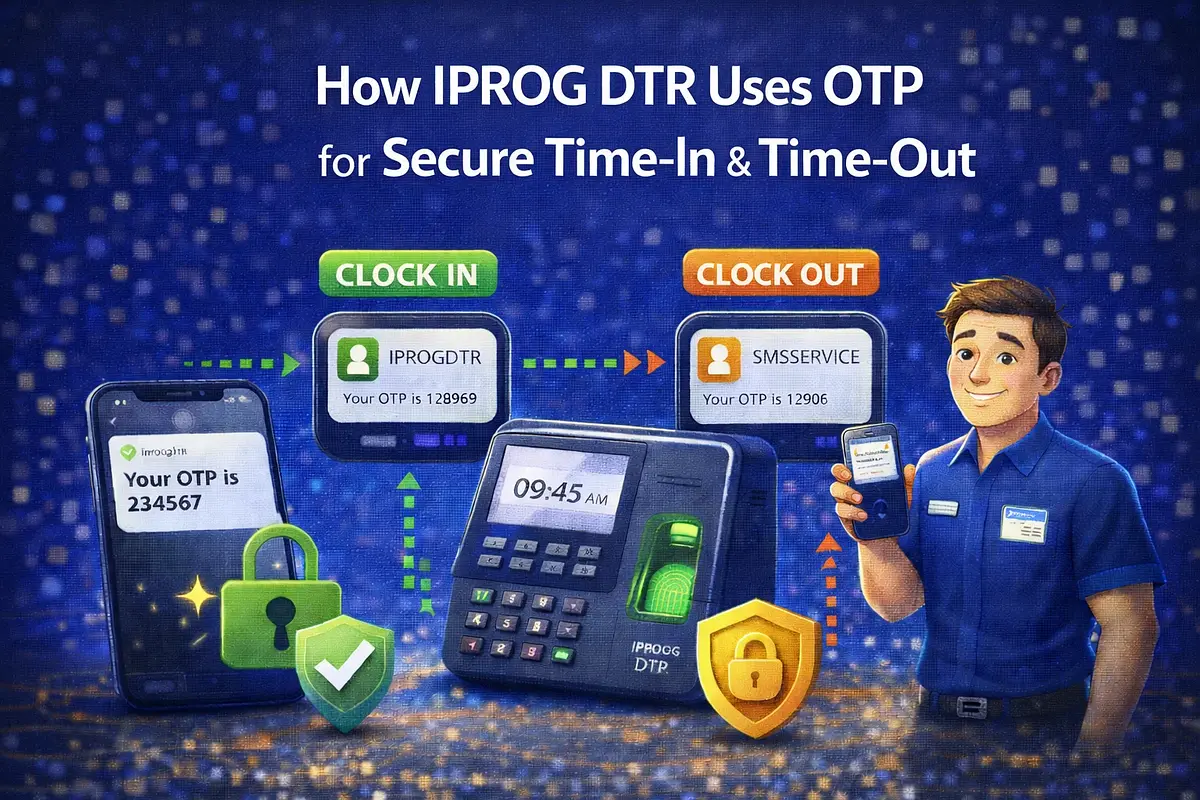
A practical guide on implementing OTP verification for DTR time-in/time-out, including data design, failure handling, rollout checklist, and business impact.
Attendance errors are expensive. For many companies, a weak time-in/time-out process leads to payroll disputes, correction requests, and low trust in HR reports. This is why IPROG DTR uses OTP verification for both clock-in and clock-out events.
Overview
In this setup, an attendance event is only considered final when OTP is successfully verified. This adds one simple security layer without making the user flow too complicated.
Why Otp For Dtr
OTP verification helps solve real operational problems:
- Prevents buddy punching and unauthorized attendance logs
- Reduces manual edits by HR teams
- Improves confidence in attendance and payroll reports
- Creates verifiable logs for audit and compliance needs
Where Otp Is Applied
In IPROG DTR, OTP is used in two critical moments:
- Time-In verification
- Time-Out verification
This ensures both entry and exit records are validated.
Reference Flow
- 1Employee taps Time-In or Time-Out.
- 2System creates a pending attendance event.
- 3OTP is generated and sent via SMS.
- 4Employee submits OTP.
- 5System validates OTP (correct, unexpired, unused).
- 6Pending event becomes verified and finalized.
- 7Attempt details are written to logs for traceability.
Database Design (Practical Fields)
Attendance event table:
- user_id
- action_type (time_in or time_out)
- status (pending, verified, failed, expired)
- requested_at
- verified_at
- source (web/mobile)
- ip_address, device_info, optional geolocation
OTP verification table:
- user_id
- otp_hash (never store plain OTP in production)
- channel (sms)
- purpose (dtr_time_in, dtr_time_out)
- expires_at
- attempts_count
- consumed_at
- failure_reason (expired, mismatch, max_attempts)
Security Practices
- Use short OTP expiry windows (for example, 3 to 5 minutes)
- Limit retries per session
- Invalidate OTP immediately after successful verification
- Hash OTP values in storage
- Rate limit OTP generation per user/device
- Log suspicious behavior patterns for review
Failure Handling
Real systems must handle edge cases gracefully:
- OTP not received: allow resend with cooldown
- OTP expired: require new OTP generation
- Wrong OTP multiple times: lock attempt temporarily
- SMS delays: keep pending state and clear user feedback
- Duplicate requests: enforce idempotency by request key
Ux Rules That Help Adoption
- Keep OTP screens minimal and fast
- Show clear status messages (sent, expired, success)
- Provide visible resend timer
- Explain why OTP is required for attendance integrity
- Keep fallback support process for urgent correction cases
Kpi Impact To Track
Teams usually see measurable improvements when OTP is implemented correctly:
- Lower attendance dispute rate
- Reduced manual correction workload
- Faster payroll finalization
- Higher confidence in time logs
- Better audit readiness
Rollout Checklist
Before full deployment, confirm:
- OTP delivery and retry are stable
- Time synchronization is correct across devices
- Rate limits are set and tested
- HR can view verification status in reports
- Support team has a clear SOP for failed attempts
- Monitoring and alerts are in place
Conclusion
OTP for time-in/time-out is a practical control, not just a security feature. It protects data quality, improves payroll accuracy, and gives management stronger operational confidence.
If you want to add OTP-based attendance verification to your own system, IPROG can help you design and implement an SMS-ready workflow for web and mobile environments.